
How to Search for a Warrant in Harris County
HCSO is a useful first stop for active Class A and Class B misdemeanor warrants and other process from a Harris County Criminal Court at Law. It does not cover all felony, Justice Court, municipal, family, civil, or federal matters. For those, move to the court that owns the case.
Have your full name, birth date, cause or citation number, and SPN if known. A name match is only a pointer. Check a relative's matter only with permission, and do not post search results or identifying details publicly.
- Search HCSO by name, SPN, or date of birth. The online list updates daily but is limited.
- Check the District Clerk's criminal record search for felony and County Criminal Court cases.
- Use the JP case portal for traffic, fine-only, FTA, or capias matters; select the right precinct and place.
- For a city citation, contact the municipal court named on the ticket. There is no shared county city-court search.
- Call the issuer or HCSO Criminal Warrants Division to confirm active status, bond, and the next step.
What the Harris County HCSO Search Covers
HCSO's public page names the source courts and types it includes: Class A/B misdemeanor warrants and other processes issued by a County Criminal Court at Law. The agency points felony and misdemeanor case questions to the District Clerk, fine-only matters to Justice Courts, and Houston city matters to Houston Municipal Courts.
That scope matters when a result is blank. It may mean the record is outside this interface, was entered recently, is sealed, or belongs to another court. Use the active warrant list explanation to understand why a public display can lag a court action.
The official HCSO warrant page describes the county's limited search and its warning to verify through a second source.
Harris County Warrant Search Fields
The HCSO search does not label any box as required. Enter one or more identity fields, then compare the match with the issuer. DOB follows month/day/two-digit-year form. Partial first and last names are supported; HCSO gives the first four letters as an example.
| Field Label | Type | Required | Notes |
|---|---|---|---|
| First Name | Text | Unspecified | Partial entry is accepted; try a short start if needed. |
| Last Name | Text | Unspecified | Partial entry is accepted; verify a common name with DOB. |
| SPN Number | Text | Unspecified | Eight-digit Harris County System Person Number. |
| Date of Birth | Date/text | Unspecified | Enter MM/DD/YY to help distinguish similar names. |
Why a Harris County Search Can Miss a Warrant
A public search only reflects the records its owner makes available. HCSO says its list updates daily, not continuously. A court may have issued new process since the last upload, or it may keep a case in a city, JP, family, juvenile, or sealed file that the sheriff's form does not search.
After payment or appearance, a recall also takes time to reach an agency display. Keep a receipt or court order and ask when the court sent the update. Do not pay a second time just because a list has not refreshed.
A missing row means the interface did not return it. It does not confirm that every Harris County court checked its own files.
What a Harris County Warrant Search Returns
The HCSO first page shows Action or Select, SPN, first name, and last name, plus a database upload time and page controls. The initial row does not expose a complete warrant number, offense, bond, judge, or status history. A court search may show case events but is not itself proof that a warrant is active.
| Search hit | Initial grid fields are identity keys, not a full warrant detail. |
|---|---|
| Case number | Ask the court or clerk to connect the process to its cause or citation. |
| Issuing court | Identifies who controls bond, recall, and the next setting. |
| Bond | Case-specific; confirm the current amount before travel or payment. |
| Status | Ask whether active, recalled, served, or otherwise cleared. |
Where Harris County Warrants Are Checked
The Harris County District Clerk provides criminal case and document search for district and County Criminal Court records. Its public search requires registration and CAPTCHA; public case information is free after login. Criminal Customer Service at 1201 Franklin, Suite 3254, can help locate a case, but the clerk's index is not an all-warrant confirmation.
Justice Court cases use the JP portal, which allows case number, driver's license, name and DOB, business name, and an optional court filter. Each incorporated city has its own municipal process. Texas has no single public statewide warrant search; OmniBase concerns reported citation holds only.
Harris County District Clerk Search and Requests
The District Clerk's public document search covers criminal district and County Criminal Court records. Registration and a CAPTCHA are required. The page can show parties, filings, costs, and case details, but not every warrant-related item is public or available online.
For help, contact Criminal Customer Service at 832-927-5900 or use the clerk's written request form for a specific existing record. Give the court, cause number, document type, and date range. A phone call is not a Public Information Act request, and the District Clerk should not be asked for a universal warrant roster.
The public document search and District Clerk request form show the separate routes.
The District Clerk e-services page lists its case and document tools.
The District Clerk's criminal e-services page shows the official entry point for those online tools.
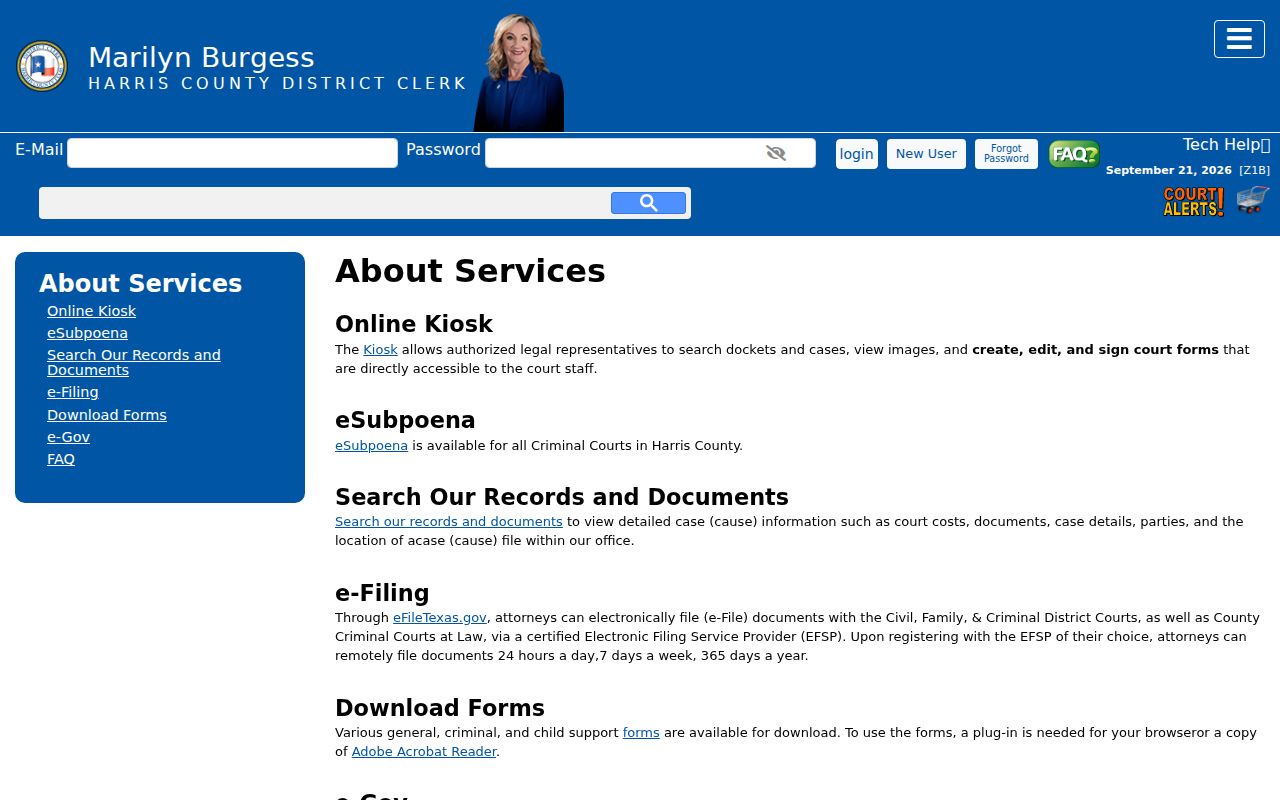
Use the clerk's own service page to choose a case or document task.
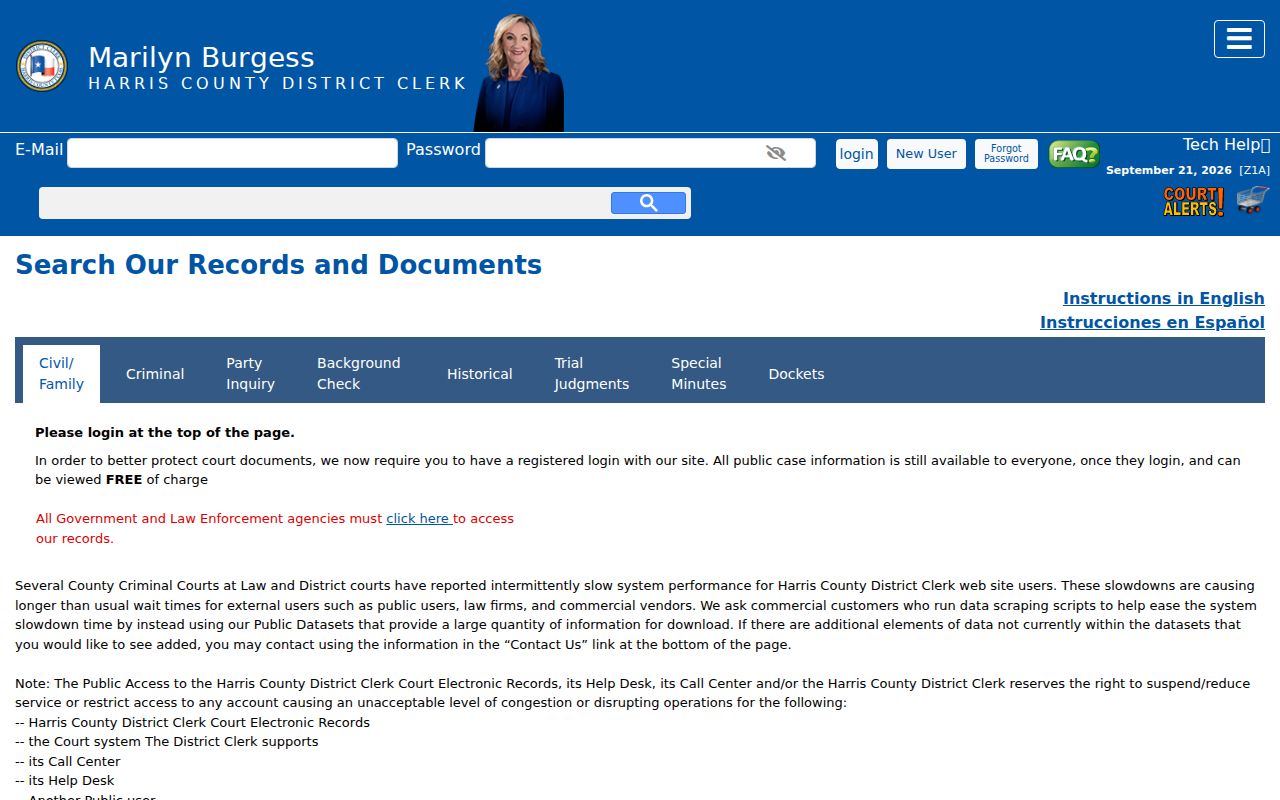
The login screen belongs to a court-record service, not the HCSO warrant list.
Harris County OmniBase Checks Citation Holds
DPS's FTA/FTP program is a narrow follow-up for a participating court's reported failure to appear or pay. A hold can block license renewal until the court sends clearance. OmniBase is not a public statewide warrant directory, and DPS license specialists cannot tell whether a warrant exists.
Use the DPS program instructions and its FTA/FTP FAQ only for the citation-hold question. Then contact the reporting court about fine, appearance, and payment. DPS says processing after court action can take up to seven business days.
Access and Restricted Warrants
Some warrant details are not open to a general search. Texas law enforcement may withhold records when release would interfere with an investigation or prosecution. Judicial files have a separate access process. Juvenile arrest warrants and supporting papers are confidential, and sealed or unserved material may not appear on a public result page.
Key Rules:
Texas Government Code §552.108 can protect law-enforcement material when release would interfere with an investigation or prosecution.
Texas Rule of Judicial Administration 12 governs court-record access and excludes some warrant documents when another law controls.
Texas Family Code §58.010 makes juvenile arrest-warrant records confidential except for listed uses and parties.
Confirm a Harris County Search Result
Call HCSO Criminal Warrants Division at 713-755-6055 for its process, or call the court named in the case. Ask whether the record is active, what type of process it is, which court issued it, whether a bond or appearance applies, and how a recall will be transmitted to a serving agency.
HCSO's Other Records form seeks an existing record and asks for a clear description, identifying details, location, and date. It is not a live warrant-status certificate. The agency says it searches the information supplied and does not look through outside databases. A request may be redacted, delayed, or denied under applicable law.
For the form's limits and submission route, use the official HCSO request form. Keep the file description narrow and do not include unrelated private data.
The form is for a defined record request; the Criminal Warrants Division handles status questions.