
Check Baytown Warrants Through the City Court
Baytown Municipal Court is at 3120 North Main Street and lists 281-427-9511 as its phone number. Use the citation or case number when asking whether the court shows a warrant. The city has an online payment route, but the warrant vendor's exact search fields should be confirmed with the court rather than assumed.
- Read the ticket or notice and identify Baytown Municipal Court as the issuer.
- Call 281-427-9511 with the case details and ask whether an active warrant is recorded.
- Ask the court what the official payment vendor can process and what a payment will do.
- For enforcement questions, ask for the City Marshal or Marshal Chapa at extension 8044.
- Search county matters separately through the Harris County court or HCSO route named on those records.
Baytown Publishes a Separate Warrants Resource
The city maintains a warrants information page alongside the Municipal Court and payment portal. Treat that page as a city resource, then call the court to confirm whether a listed matter is still active and what options apply. A web listing can lag a payment, court action, or service event.
Baytown's warrant information page is the official starting point for city warrant instructions.
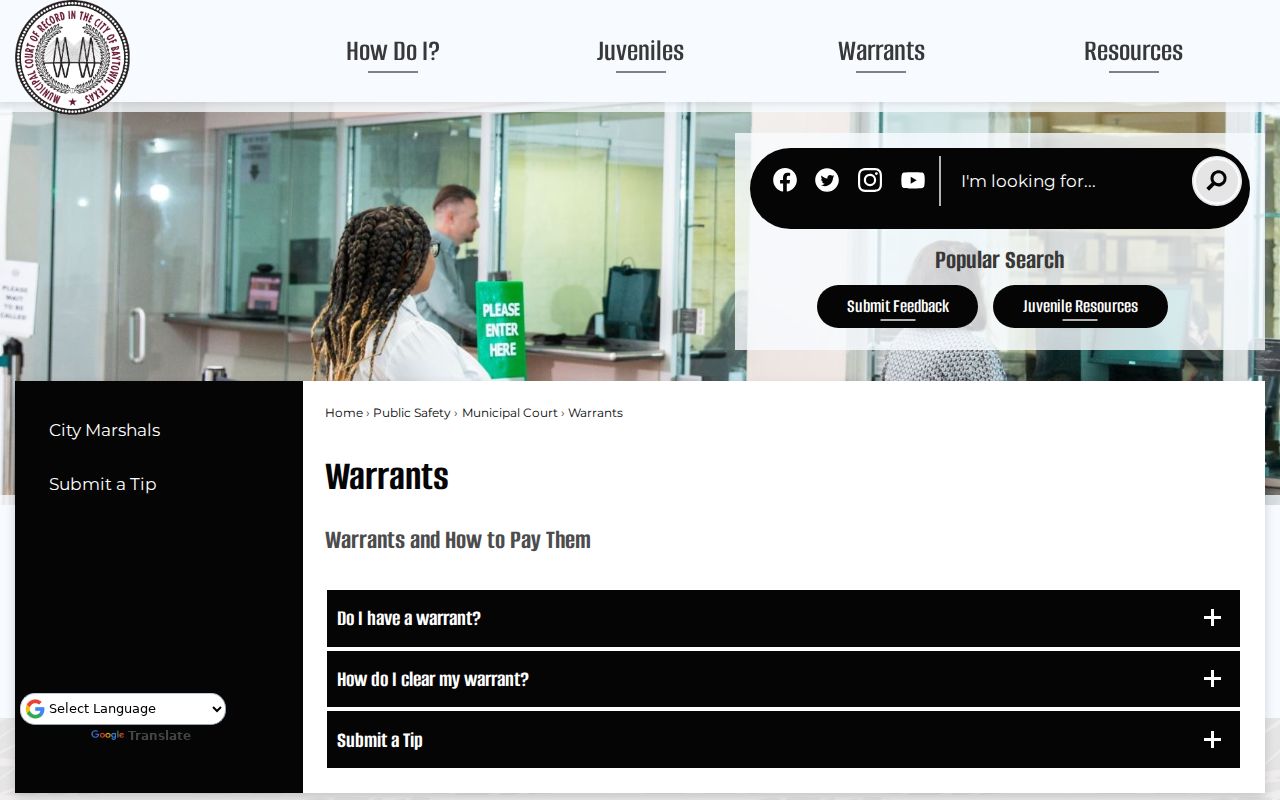
Use the city page to orient the search, then verify status with the Municipal Court.
Baytown Municipal Court and Police Records Are Separate
Municipal Court handles the city case record at 3120 North Main; Baytown Police Department records are requested through the police department at 3200 North Main, phone 281-422-8371. The court can explain a citation, judgment, or warrant entry. Police records staff handle incident or arrest records, not court recall decisions.
Marshal Chapa is listed through the court at extension 8044. Ask the clerk whether the question concerns a court balance, an enforcement action, or a police report so it reaches the correct office. Do not assume that payment information proves a warrant was recalled.
Baytown Payment Choices Can Affect Case Status
Baytown says full payment may clear an eligible warrant immediately and that partial payment may be available in some cases. Eligibility and the legal effect depend on the case. Ask the court whether a partial amount prevents further action, whether a judge must approve it, and what balance remains.
Payments made through the Tyler portal can result in a conviction being reported to the Texas Department of Public Safety. Before submitting payment, confirm the terms for that citation and understand whether the transaction resolves the case or records a plea. Keep the confirmation number.
Baytown's municipal payment portal is the city's vendor route.
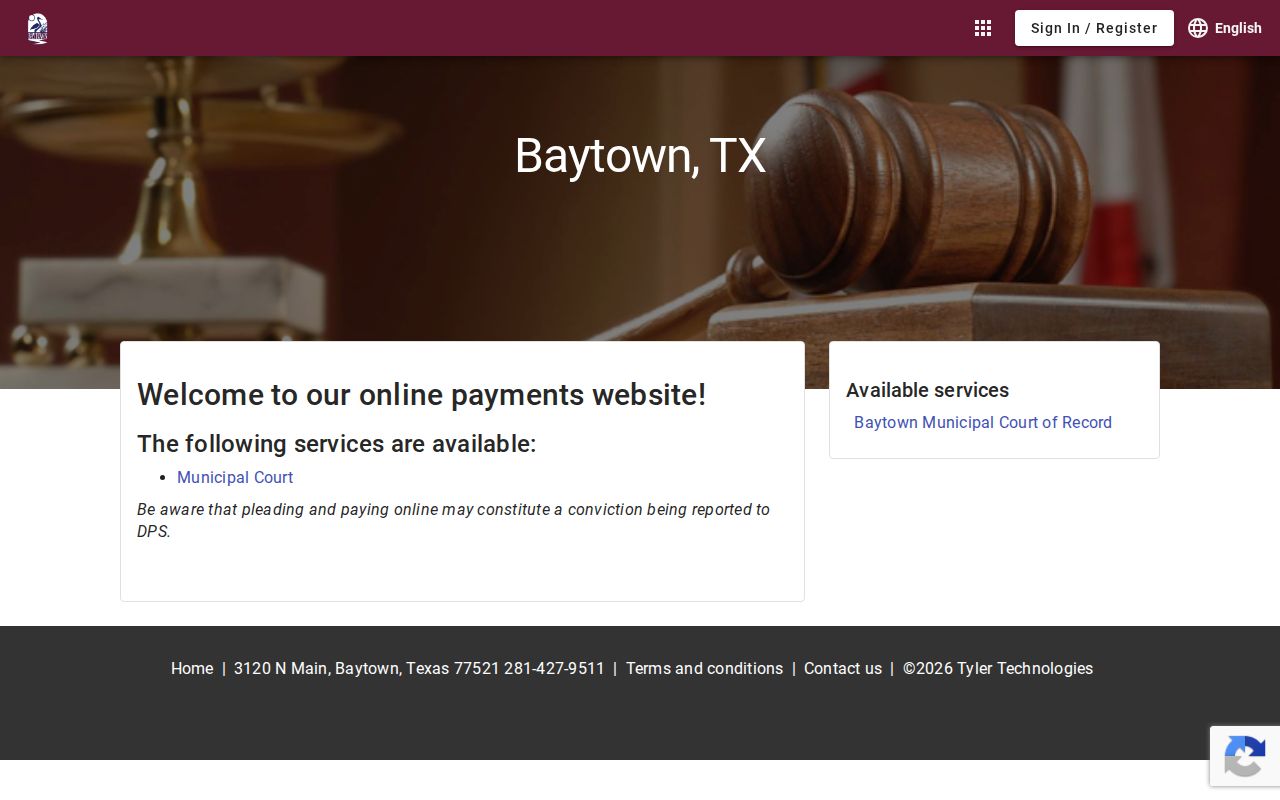
Review the court's terms before submitting a payment through the vendor.
Baytown Warrant Categories Start With the Citation
Municipal cases can involve traffic citations, city ordinance charges, missed appearances, or capias process after a judgment. A criminal arrest warrant based on an investigation is a distinct matter. The court on the document determines the correct city route.
| Record type | How it can arise | First contact |
|---|---|---|
| Traffic citation | Unresolved ticket or missed date | Baytown Municipal Court |
| City ordinance | Open municipal charge | Baytown Municipal Court |
| FTA / capias | Missed setting or unpaid judgment | Issuing court and judge |
| Arrest warrant | Separate criminal case process | Named court and agency |
Do Not Guess Which Fields the Vendor Searches
The official vendor is linked from Baytown's municipal resources, but the research materials do not confirm its exact warrant-search fields. Use the citation number and court name from the notice, and ask Municipal Court which identifiers the vendor accepts. A name-only search can miss a record or return another person's case.
Ask whether the online result shows a warrant, balance, disposition, or only a payment option. If the screen does not clearly state the current status, use the 281-427-9511 clerk line. A payment vendor cannot explain a judge's order or certify records held by the police.
Compare Baytown Case and Payment Details
Use the court document and official docket together. A transaction record is evidence of payment, but the court entry and enforcement status may update on different schedules. Confirm all parts before treating the matter as resolved.
| Case or citation | Match the number on the Baytown notice. |
|---|---|
| Municipal court | Verify that Baytown is the issuing court. |
| Offense and date | Compare with the ticket or court order. |
| Balance | Ask for the current amount and eligible payment options. |
| Disposition | Check whether a payment has a plea or reporting consequence. |
| Warrant status | Ask the court whether it remains active or was recalled. |
Ask the Marshal About Service, the Clerk About the Docket
Baytown's Municipal Court lists Marshal Chapa at extension 8044. The marshal's office can route an enforcement question; the clerk can explain the docket, payment options, and case status. When calling, state whether you are asking about service, a court date, an amount due, or a request for a record.
If the court confirms a resolution, ask when an updated entry will be visible and whether a separate enforcement record needs time to synchronize. Save the receipt and any order so you can refer to the exact action later.
Baytown City Cases Do Not Cover County Process
Baytown Municipal Court handles city citations. Harris County JP, County Criminal, and District Clerk records are separate; the sheriff's list covers only a limited county subset. Use Harris County warrant records or the county warrant search for those routes.
Warrant flow: Baytown Municipal Court › City Marshal for eligible city service › Harris County court or HCSO only for separate county process
A Baytown address does not determine the court. Read the citation or order and contact the named issuer for each distinct case.
Baytown Public Requests Go to the Record Holder
Baytown's public-information route is separate from a municipal-court case search. A city request should identify whether the record is held by the court, police department, or another city office. Judicial records follow court-access rules; police files may be subject to disclosure exceptions and redactions.
Baytown's open-records instructions describe the city's request route.
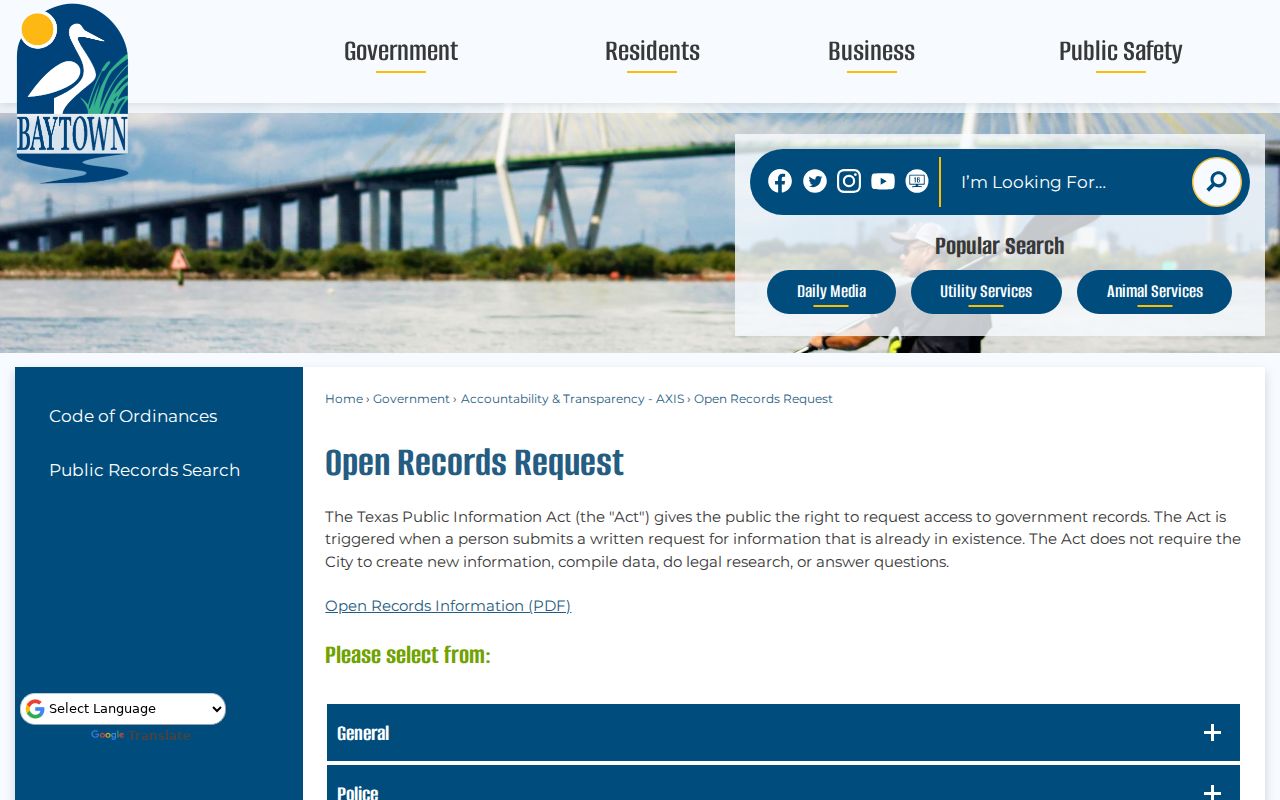
Send the request to the office holding the material and include enough detail to identify it.
Baytown Warrant Records Have Public Access Limits
Texas public-record laws provide access to many government records but include exceptions. A court case screen is not a complete export of every file, and confidential juvenile information is restricted. A requester may need to use the separate Rule 12 process for a judicial record rather than a city open-record form.
Access rules
Texas Public Information Act, Government Code Chapter 552 applies to covered city records subject to exceptions.
Texas Rule of Judicial Administration 12 governs access requests for judicial records.
Texas Family Code §58.010 restricts specified juvenile law-enforcement records.
Confirm Baytown Status After Any Payment
Before relying on a paid screen, ask whether the case is disposed, whether the warrant is recalled, and whether the city sent an update to the relevant agency. If the Tyler transaction may create a conviction or DPS report, confirm the effect before choosing that route. The court can explain options for its case.
Keep any payment receipt, court order, and clerk confirmation together. For a separate county case, contact that court or HCSO directly; a Baytown result cannot answer for another jurisdiction.